PLACEMENT
Central and up high
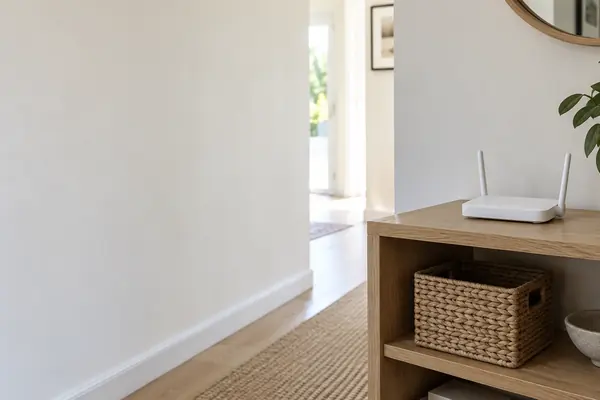
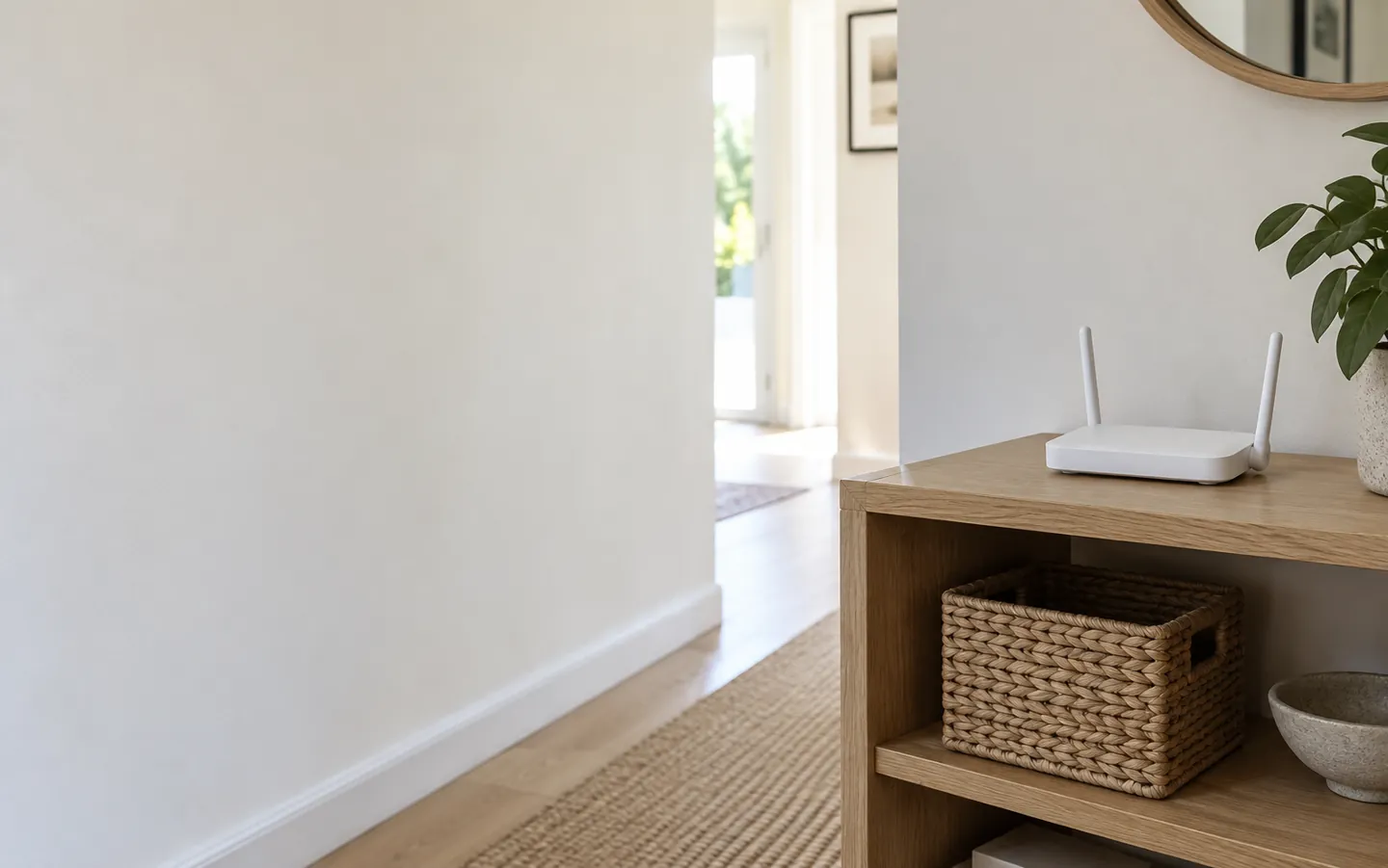
Ofcom suggests placing the router centrally and off the floor, for example on a shelf, away from radiators, fish tanks and other electrical devices.
Check your spotWHAT THE GUIDANCE SAYS
Slow wifi is often a placement problem.
Walls, water, metal and some household gadgets all weaken the signal. Ofcom's advice starts with where the router sits, and security guidance adds a few settings worth changing on day one.
UP & CENTRAL off the floor, in the open
THE SHORT ANSWER
Most fixes cost nothing.
They are about where the router sits and how it is set up.
PLACEMENT
Ofcom suggests placing the router centrally and off the floor, for example on a shelf, away from radiators, fish tanks and other electrical devices.
Check your spotCABLES
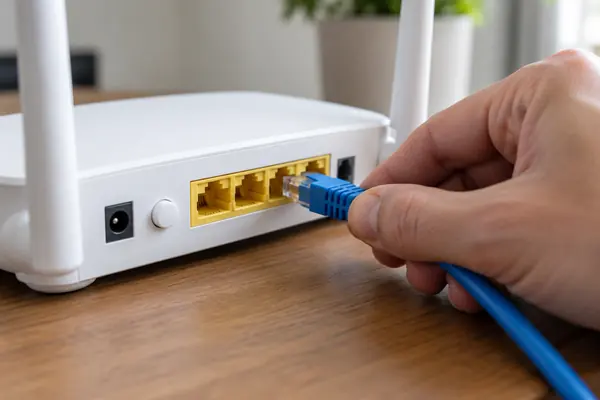
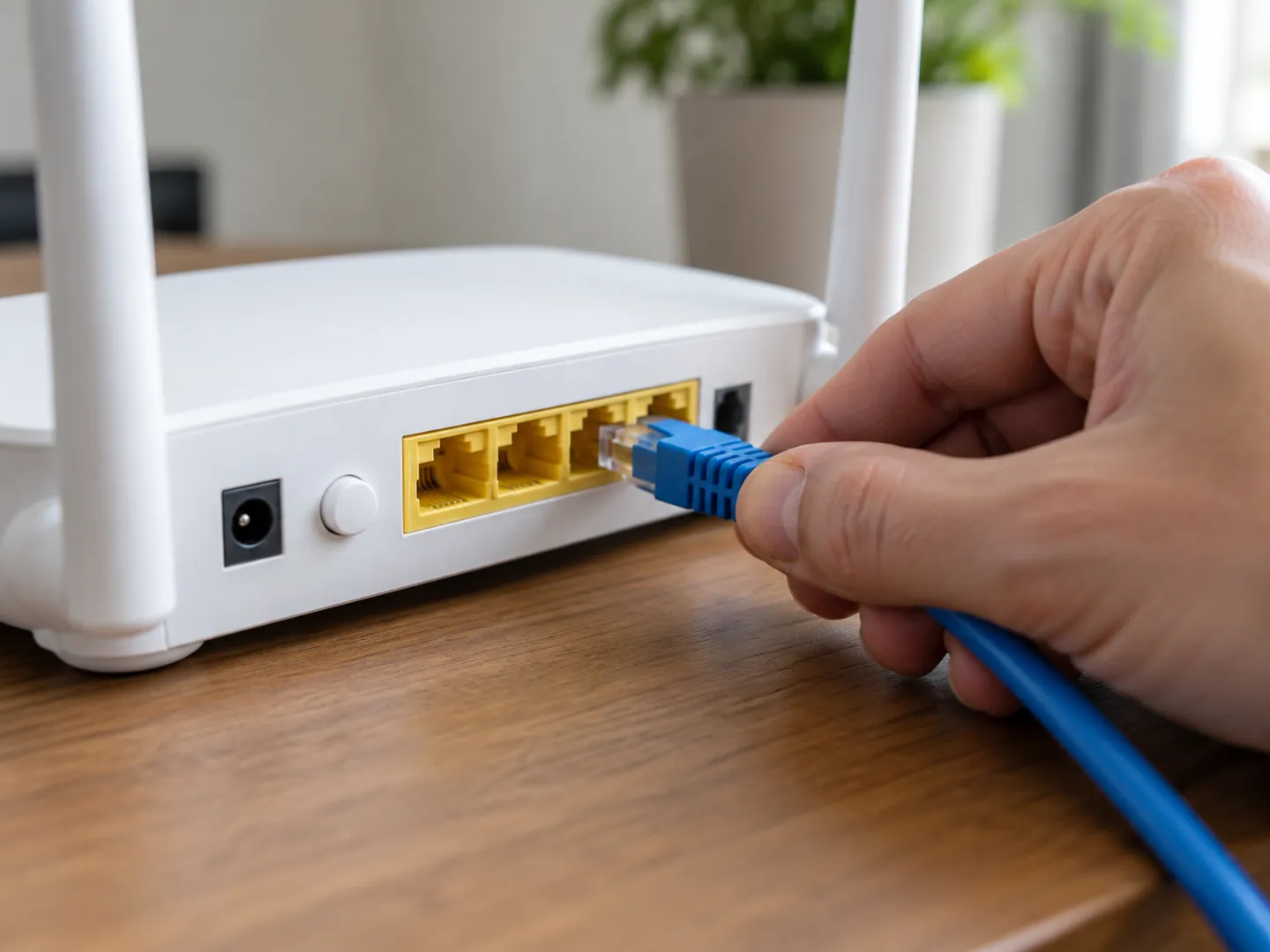
Ofcom says Ethernet cables often give a better connection than wifi. Use a cable that can support your broadband speed.
What to trySECURITY
US cyber agency CISA advises a new router admin password, WPA3 Personal or WPA2 AES encryption, regular updates and turning WPS off.
Secure the networkA QUICK ROUTER CHECK
Pick the spot that sounds most like your home. The bar shows how much Ofcom's guidance suggests that spot could be holding your wifi back.
Based on Ofcom's advice on improving wifi and broadband speeds. Every home is different, so treat this as a starting point.
TWO NUMBERS WORTH KNOWING
One figure on what newer wifi can do,
one on Ofcom's own router tests.
600+ Mbps
Typical maximum speed of Wifi 6
Ofcom's table puts Wifi 6 (802.11ax) at ultrafast, 600 Mbps and above, against 200 Mbps for Wifi 5, 100 Mbps for Wifi 4 and 20 Mbps for Wifi 3. Older devices will not benefit from newer features.
WIFI STANDARDS · OFCOM
15 routers
Home routers tested in a lab
Ofcom tested 15 routers in 2020. Newer routers generally outperformed older ones, speeds could drop significantly further from the router, and performance tended to be better over 5 GHz than 2.4 GHz.
ROUTER TESTS · OFCOM 2020
Ofcom also notes that lower frequencies give better coverage but lower speeds, and that your wifi will never outperform the broadband service coming into the home.
FOUR THINGS TO TRY
Start with the free fixes. Spend money only once you know the router's position and the line itself are not the problem.
Put it central and off the floor, away from radiators, fish tanks, microwaves and cordless phones.
Ofcom suggests running a few speed tests at different times of day before deciding what is wrong.
A computer or TV that never moves can use an Ethernet cable straight to the router instead of wifi.
Ofcom says mesh starter packs cost £60 to over £200, and powerline adapters start at around £20.

SECURING THE NETWORK
Ofcom warns that if a wireless router is not secure, anyone nearby could log on to your broadband. Check for the padlock icon next to your network name and use a password mixing numbers with upper and lower case letters.
CISA adds: change the router's login username and password, avoid personal details in the network name, use WPA3 Personal or WPA2 AES, keep the firmware updated, turn off WPS and put smart devices on a guest network.
Questions
Ofcom suggests placing it centrally in the home and off the floor, for example on a shelf, and away from radiators, fish tanks and electrical devices that can interfere.
In Ofcom's 2020 router tests, speed and connectivity tended to be better at 5 GHz. Ofcom also notes that lower frequencies give better coverage, at the expense of lower speeds, and some older devices do not support 5 GHz.
Ofcom says Ethernet cables often provide a better connection than wifi, as long as the cable can support your broadband speed.
Ofcom says extenders and repeaters amplify the signal but can affect data speeds and how responsive the connection feels. It says mesh systems improve coverage without reducing broadband performance.
CISA advises changing the router's login details, using WPA3 Personal or WPA2 AES encryption, keeping the firmware updated, turning off WPS and using a guest network for smart devices.
Sources
ABOUT THIS NAME
doodlewifi.com is part of the DoodleSale portfolio. It isn't in an auction right now, but you can ask about leasing it.